Staff app
A free iOS and Android app where staff accept shifts, set availability, read event details, chat and check in at the venue.
How it works: Staff appBack office
One place for your coordinators to plan events, pick staff and keep track of the paperwork and payroll.
See what is happening and when on the event calendar, or work through events by stage on the board.
Save an event as a draft until the client confirms. Events can run over several days or repeat on a schedule, and you staff them from your own list of positions.
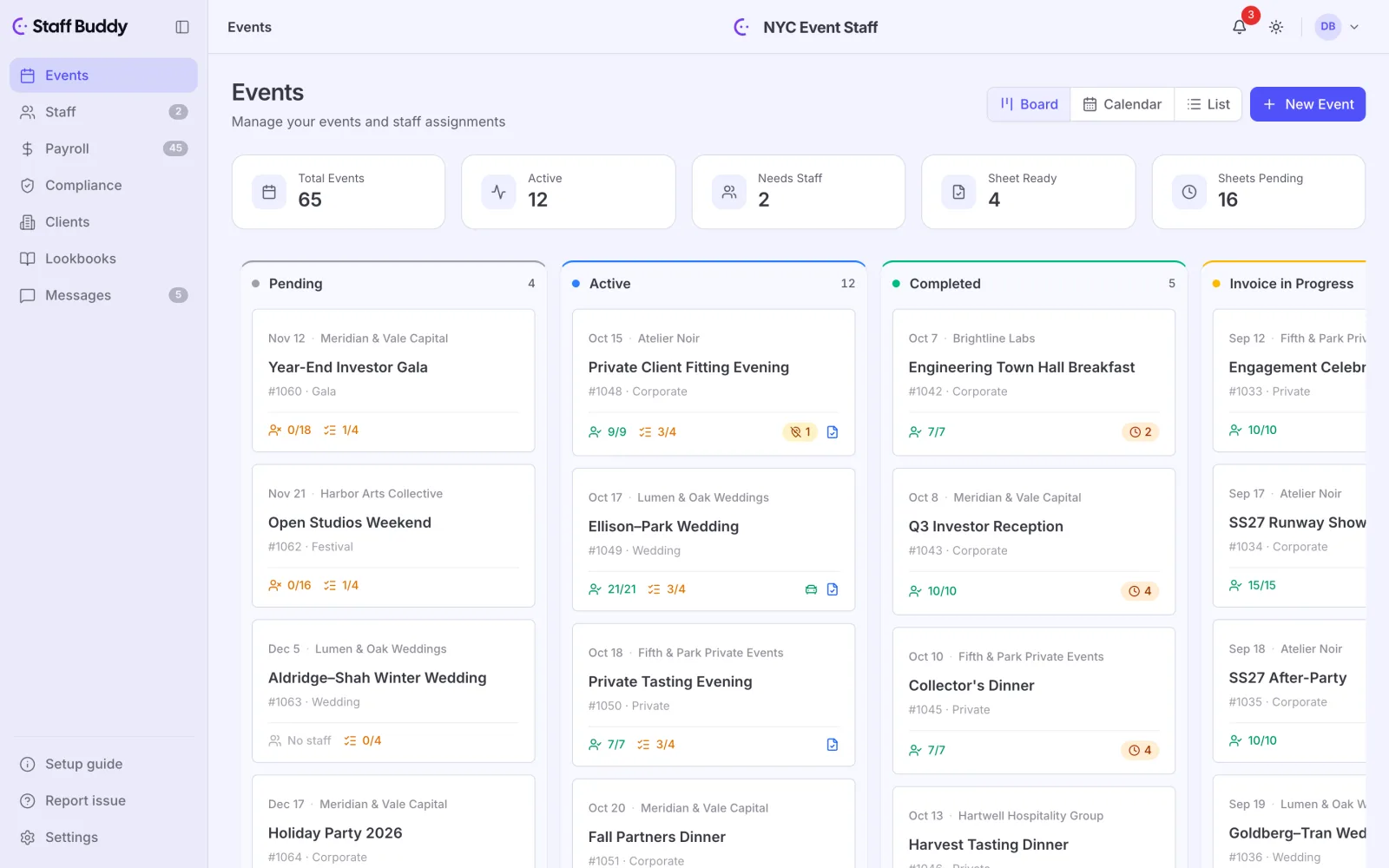
Once an event exists, the work is choosing who goes. Auto-assign picks people by best match. When you already know who you want, assign them by hand.
When a shift opens up late, a callout offers it to a group and the first available people take it. You are not working down your contact list one call at a time.
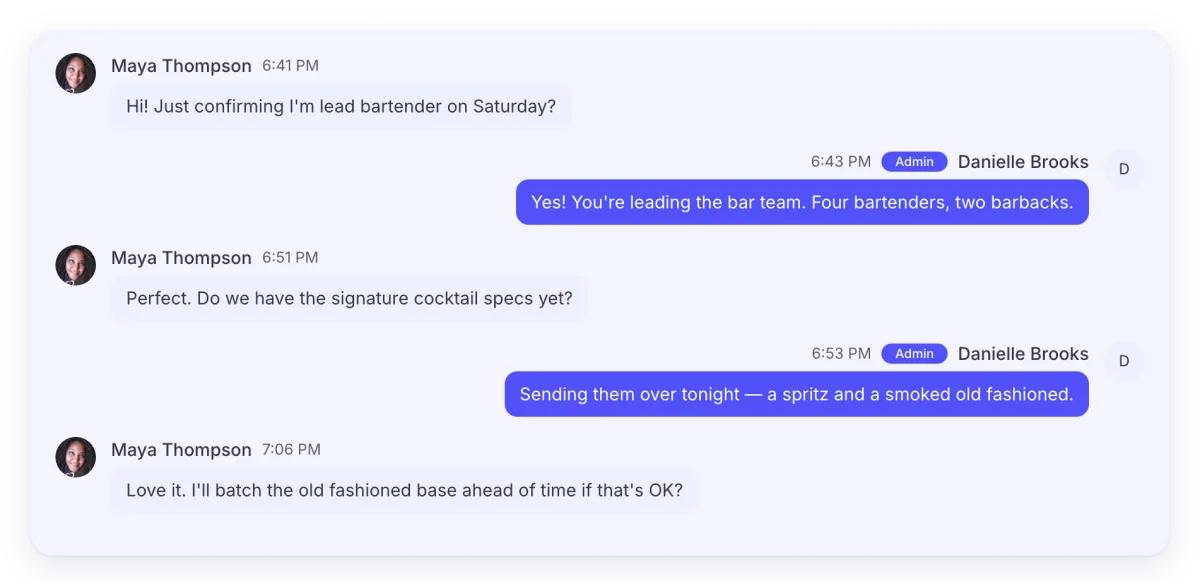
Each event also has its own messages. Your coordinators find the conversation where they expect it and do not scroll through an unrelated chat to look for it. If you would rather describe an event in your own words, the AI assistant can do that too.
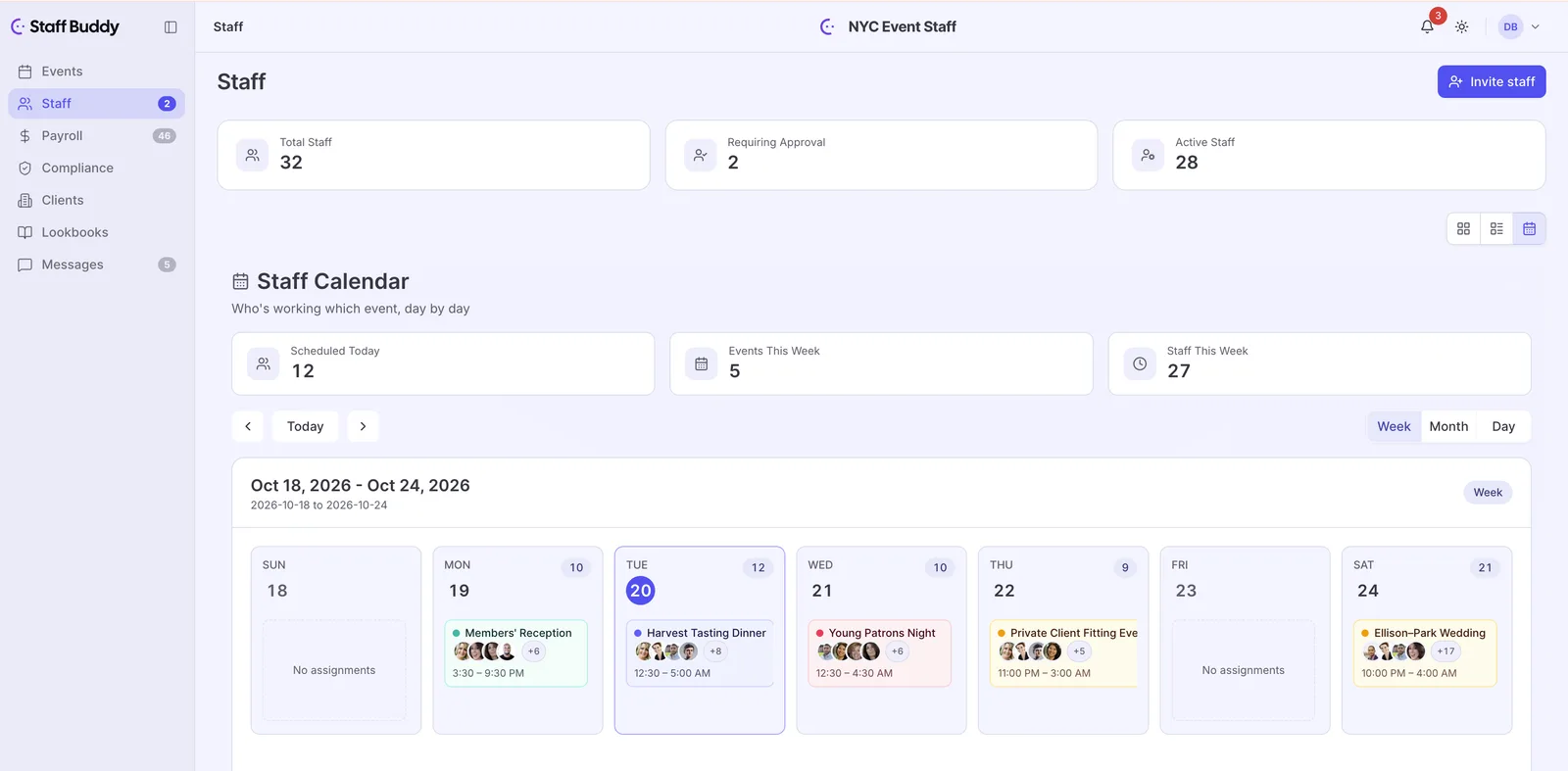
The staff directory holds your people, with a calendar view that shows them the way the event calendar shows your events.
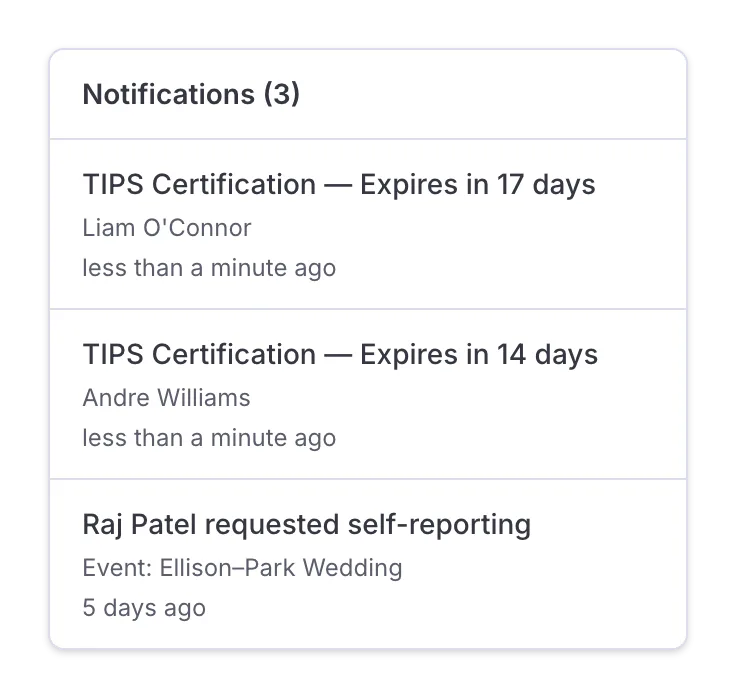
Paperwork follows the person. Document validity tracking records an expiry date for each document, such as a certification, a driving licence or a work permit. You decide what you want to track. We keep it organized.
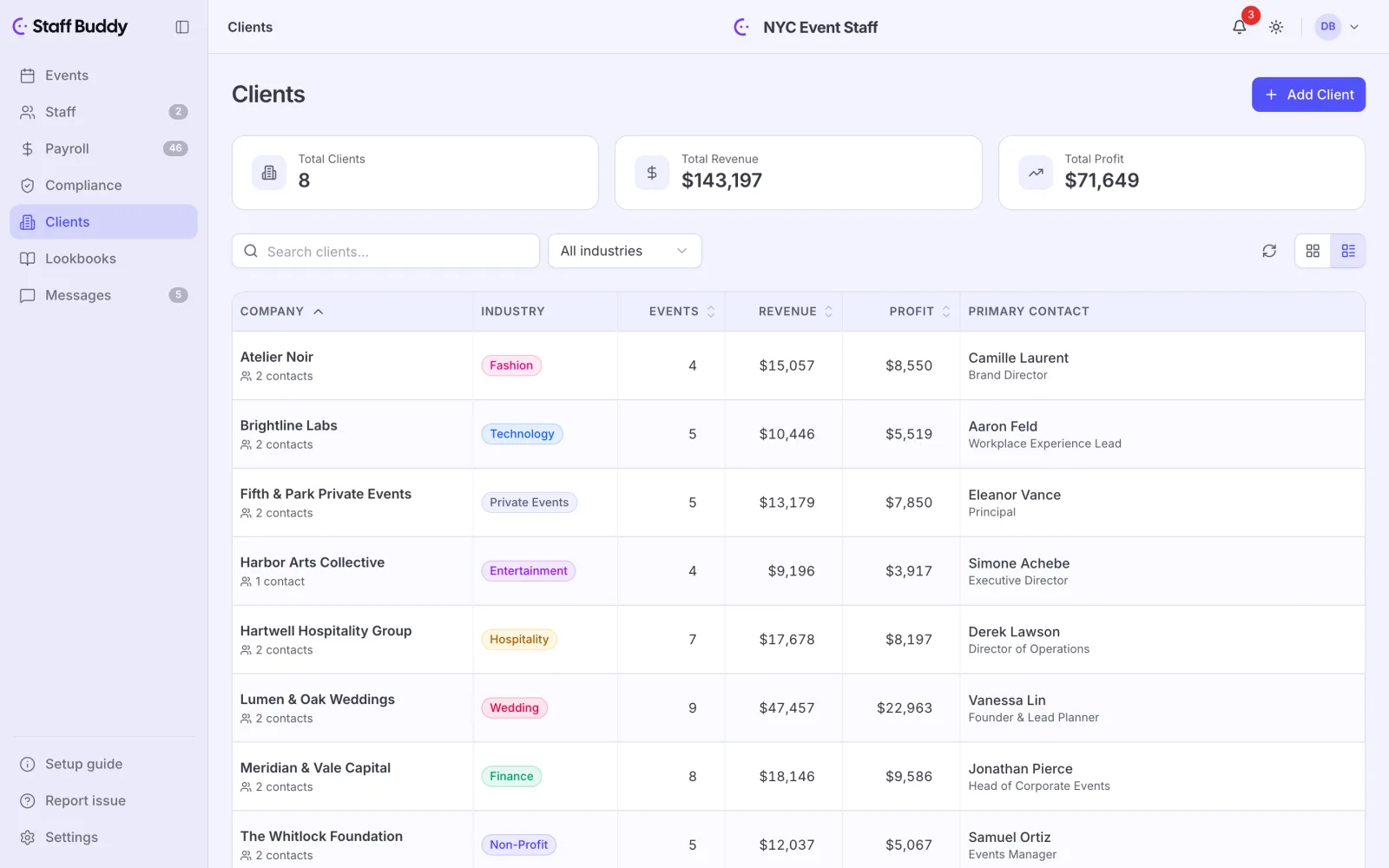
The clients directory lists every client you work for, with overview statistics for each one. When a client wants to see the people and the look you have in mind, you build a lookbook for them.
Clients rate the staff who worked for them, and staff who have worked for a client before rank higher for that client, so the score reflects your regulars.
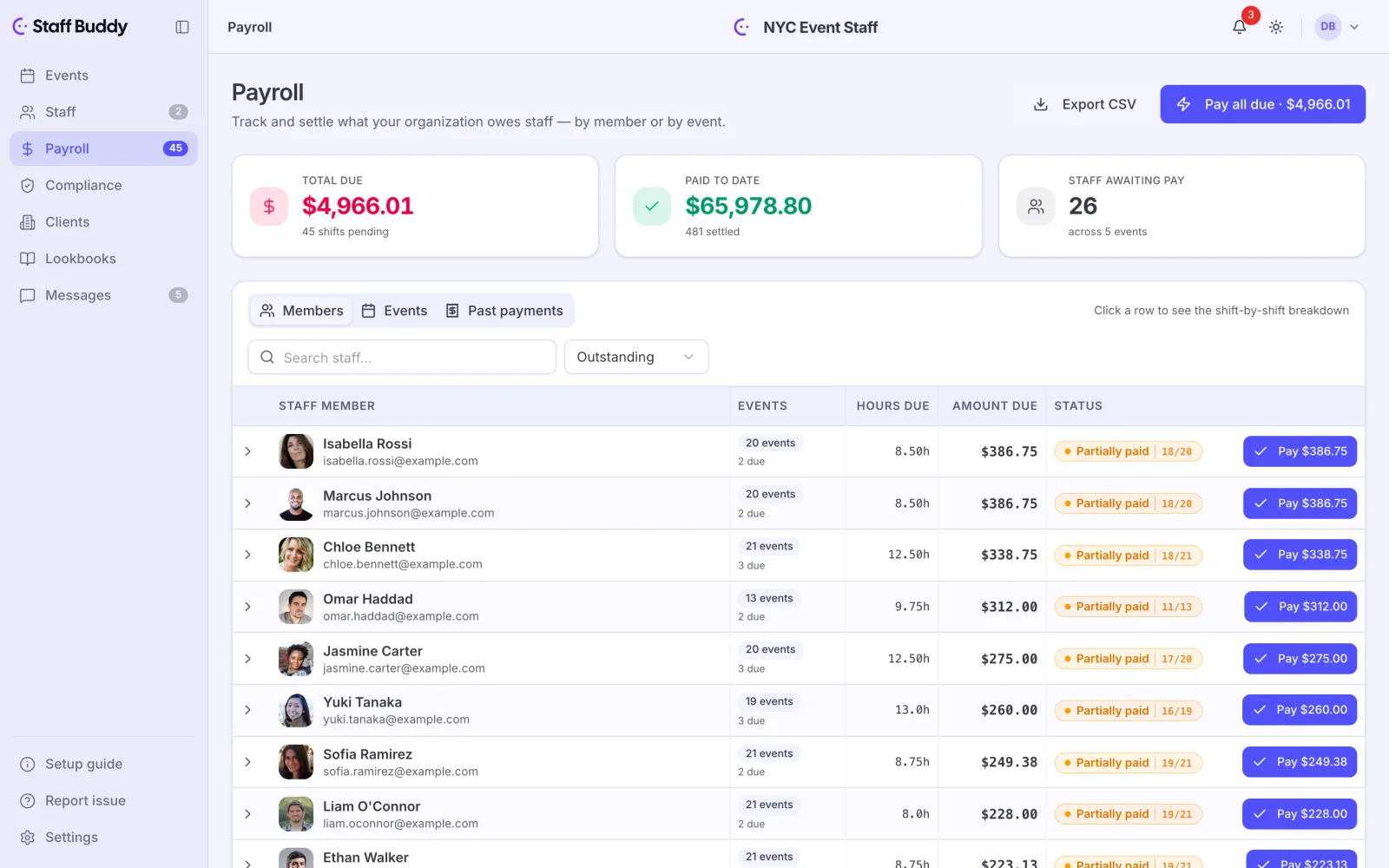
Payroll sits in the same back office as the events and the people, so you are not rebuilding the numbers in another tool. When you are done, you export it and take it where it needs to go.
Yes. Migration is free: we import your staff and client data for you, so you start with your real roster and clients and not an empty screen.
Yes. You can set up an event that runs over several days or one that repeats.
Yes. Payroll is part of the back office and it comes with an export.
Yes. Save an event as a draft and finish it when you have the details.
If you’d rather talk it through, book a call with the founder and bring your own events.