Product
Everything in Staff Buddy
See all major features of the back office and the app.
Three flows, start to finish
Recordings of the back office doing the work. The full list is below.
-
Four steps for the info, location, schedule and details, and the event appears on the events board.
How events are created -
Skip the roster scan and let Staff Buddy pick the best match for each shift.
How auto-assign works -
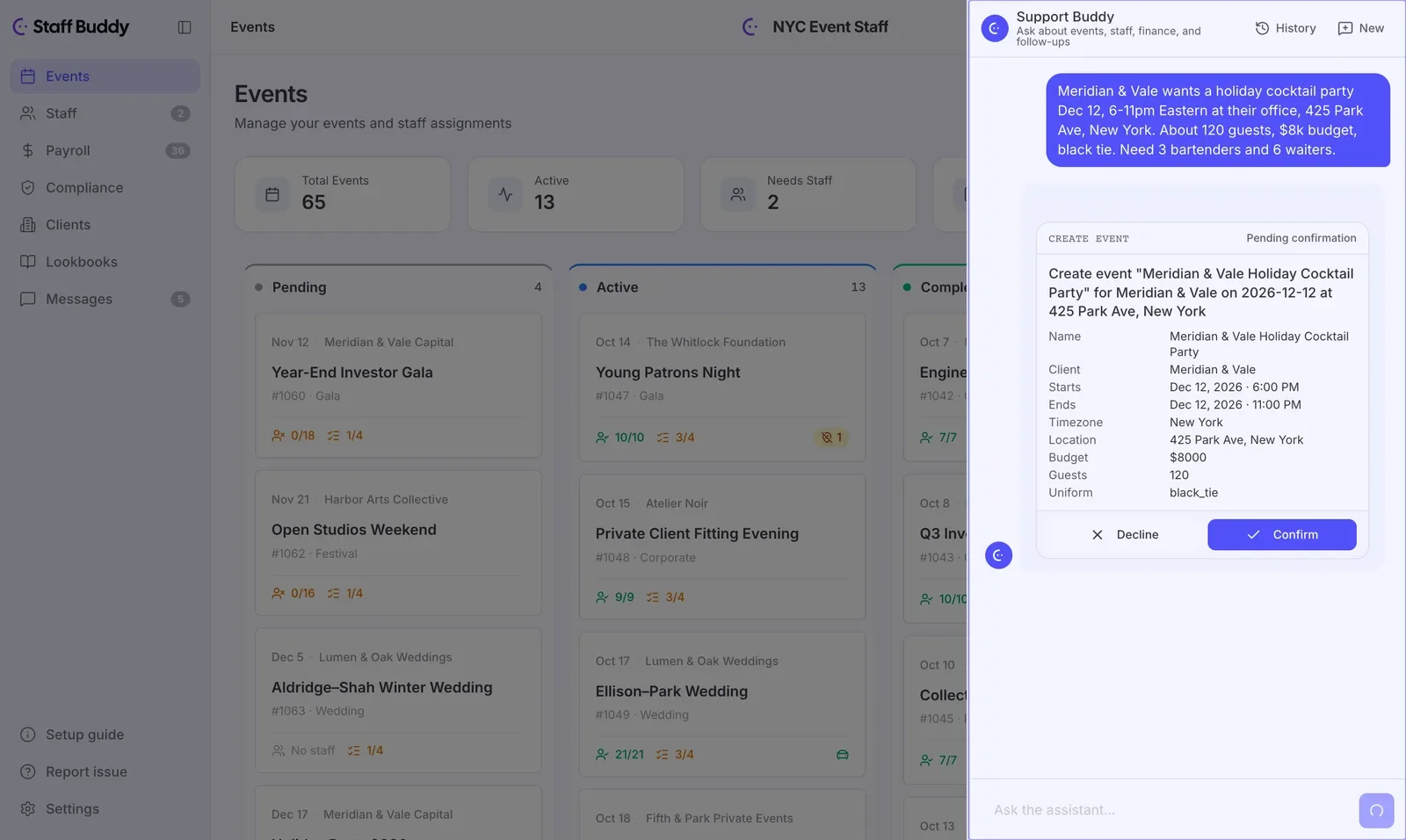
A client request typed in plain words becomes a draft event that the office checks and confirms.
How the AI assistant works
Back office
Back office in detail-
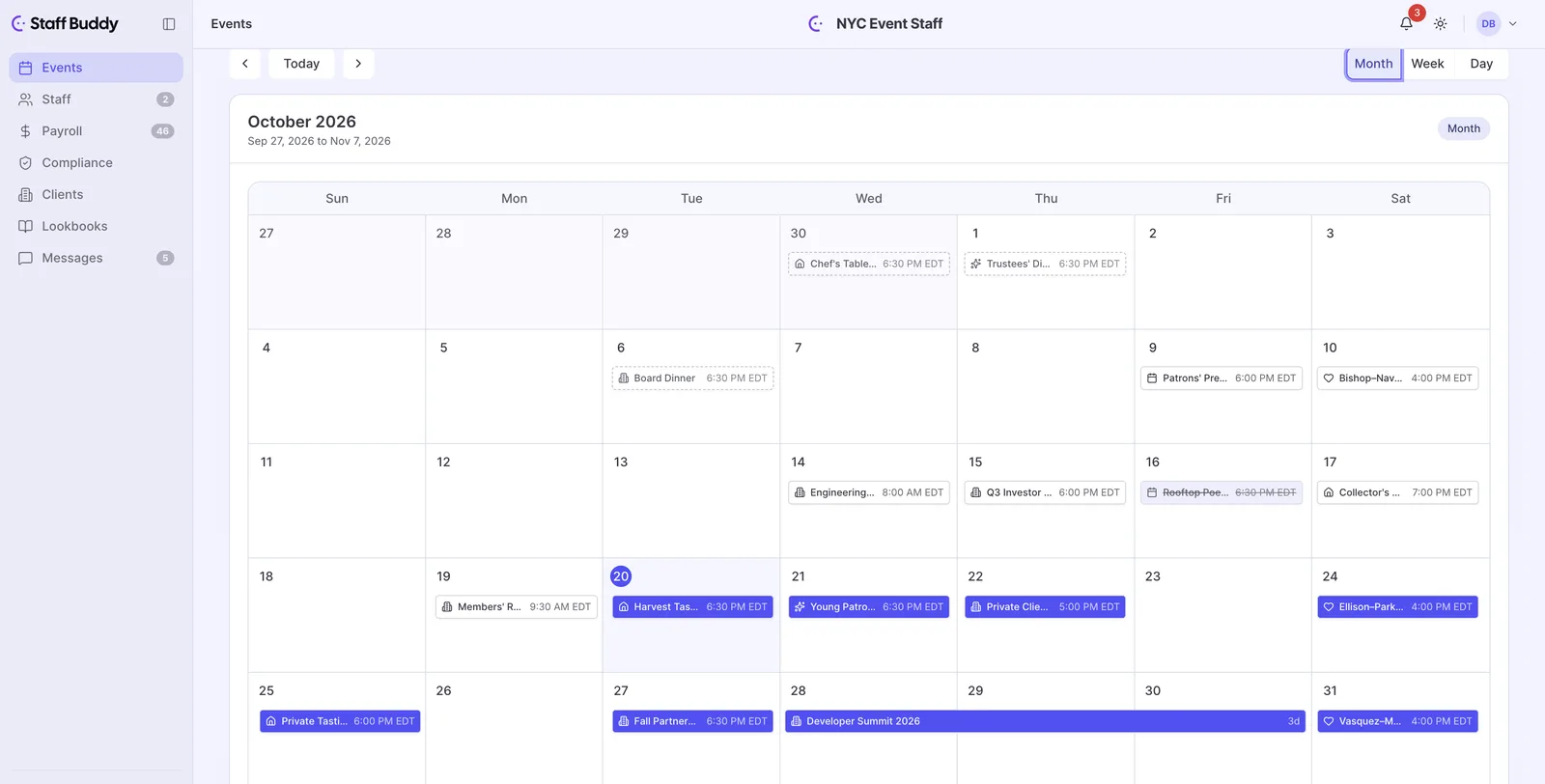
Calendar view for events
See your events on a calendar instead of paging through a list.
-
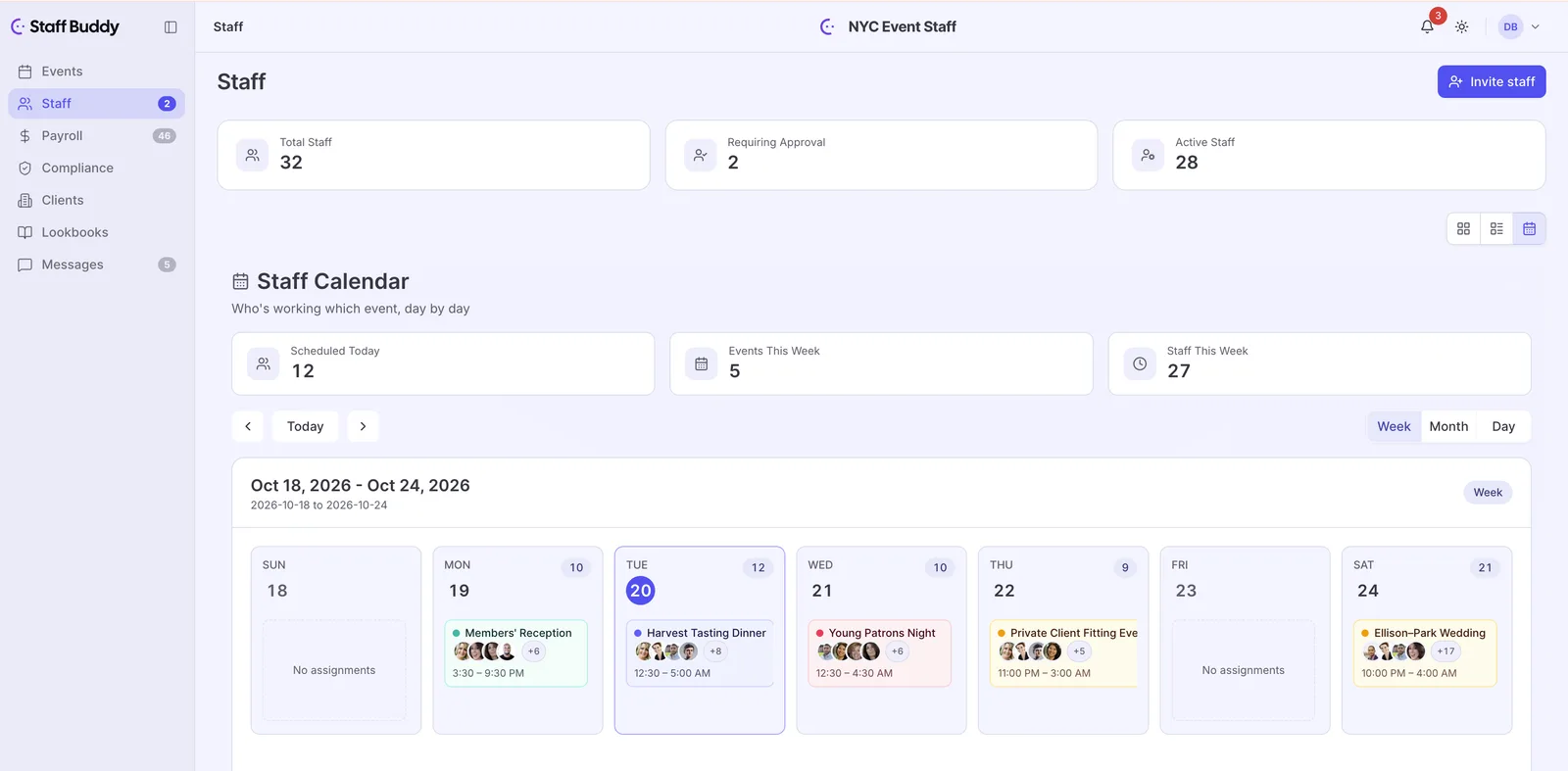
Calendar view for staff
See your staff on a calendar before you book someone twice.
-
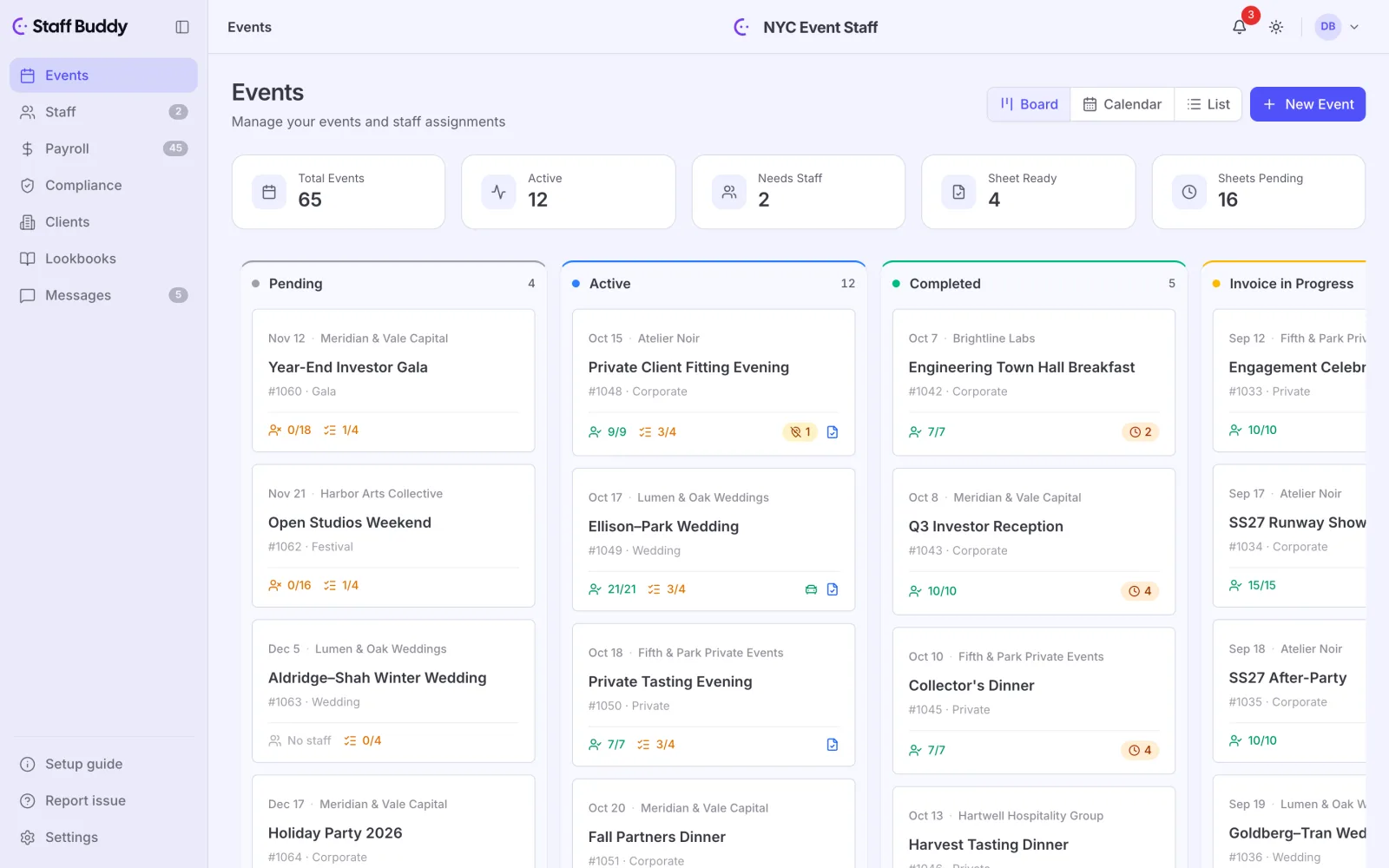
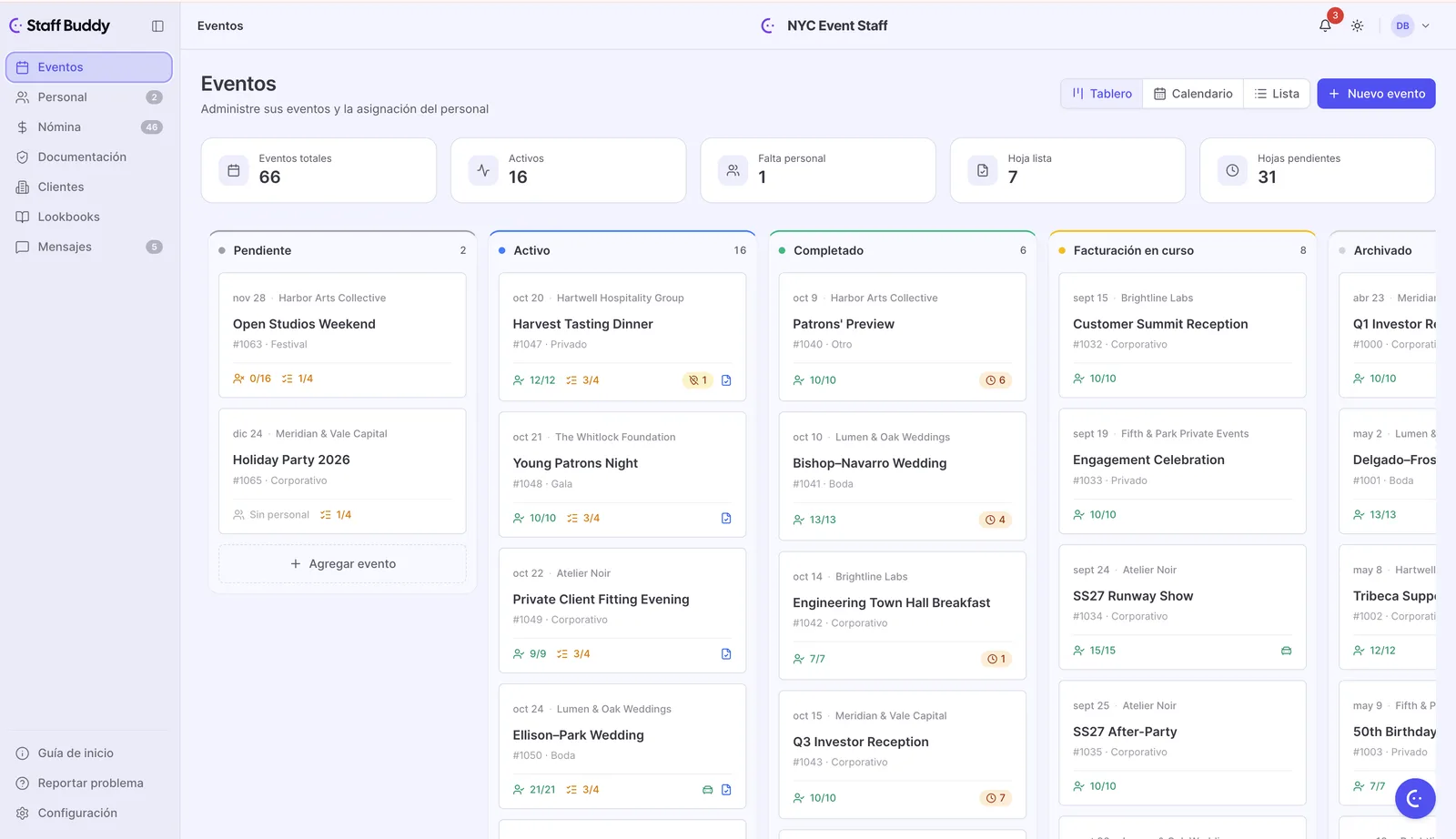
Event board
See your events laid out together instead of hunting through spreadsheet tabs.
-
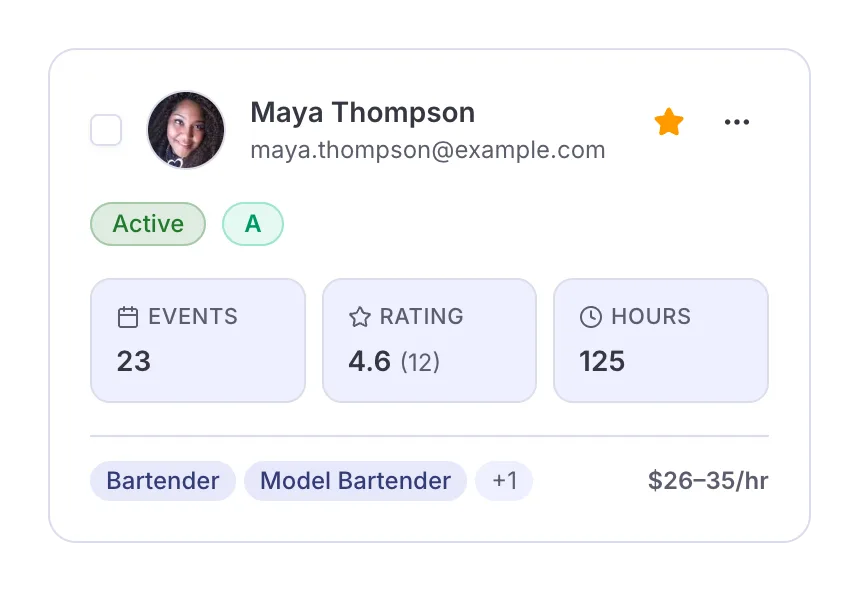
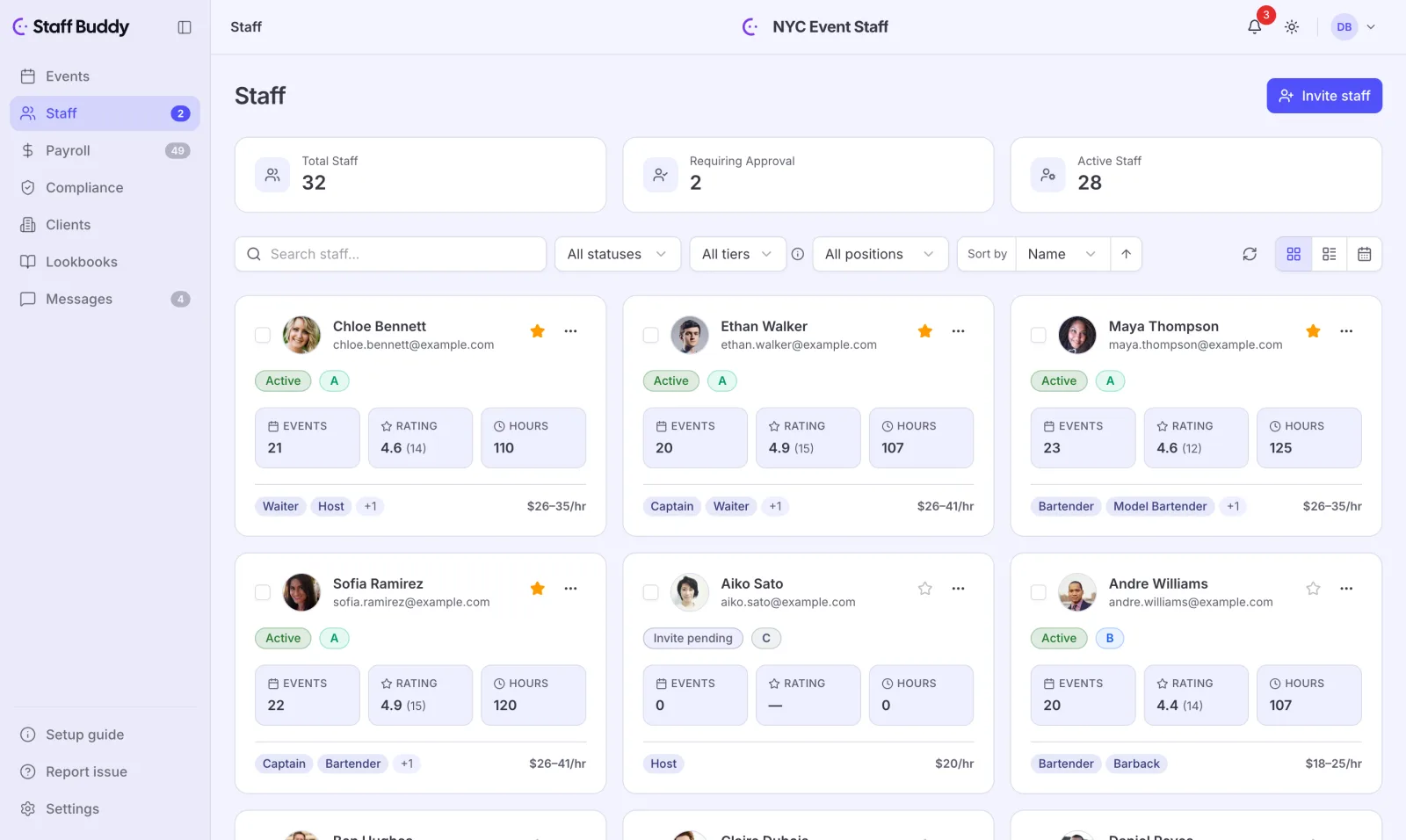
Staff directory
Find anyone on your roster in one list, not in old messages and contact lists.
-
Positions management
Define the roles you staff for once, so a bartender means the same thing on every event.
-
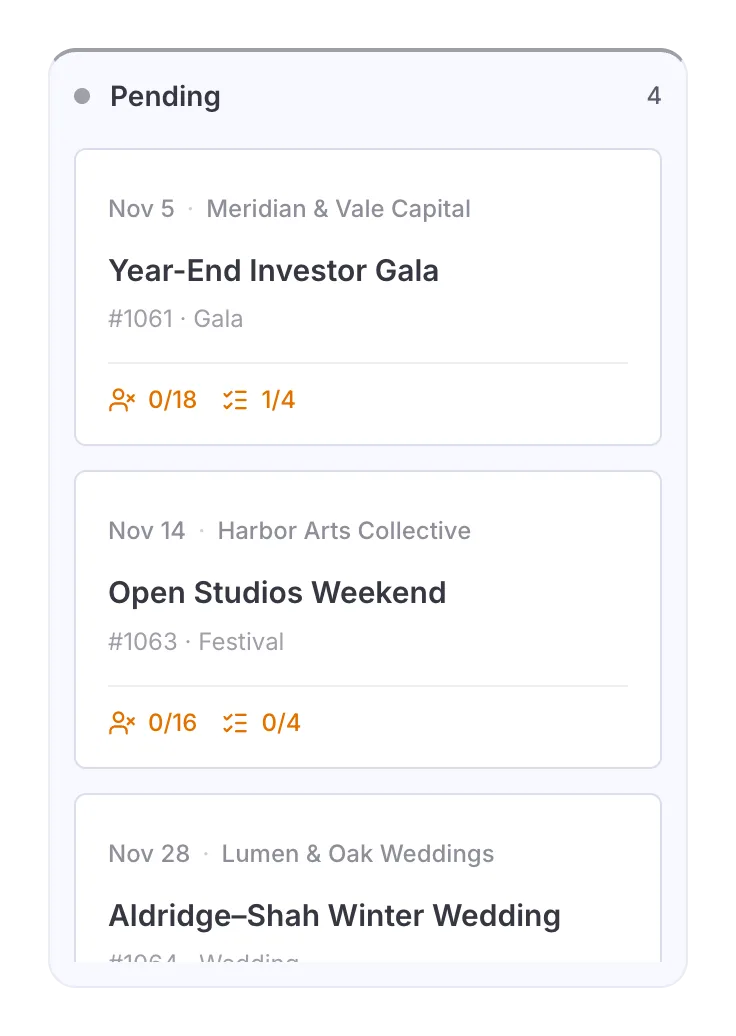
Event drafts
Start an event before every detail is settled and finish it later, without losing it.
-
Multi-day and repeating events
Set up a festival or a standing weekly booking once instead of entering it again and again.
-
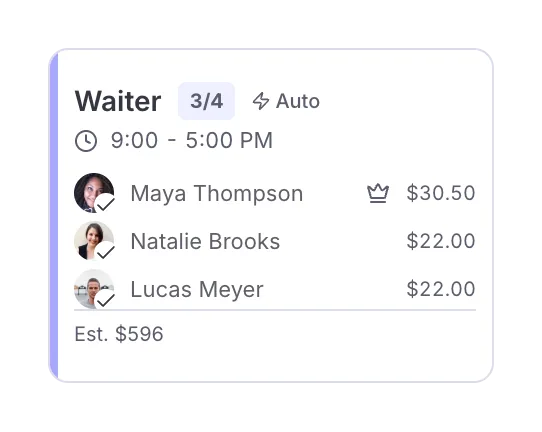
Auto-assign by best match
Skip the roster scan and let Staff Buddy pick the best match for each shift.
-
Manual assign
Put the person you already know you want on the shift, with no workaround.
-
Callouts
Offer a shift to a group and let the first available people take it, instead of phoning down a list.
-
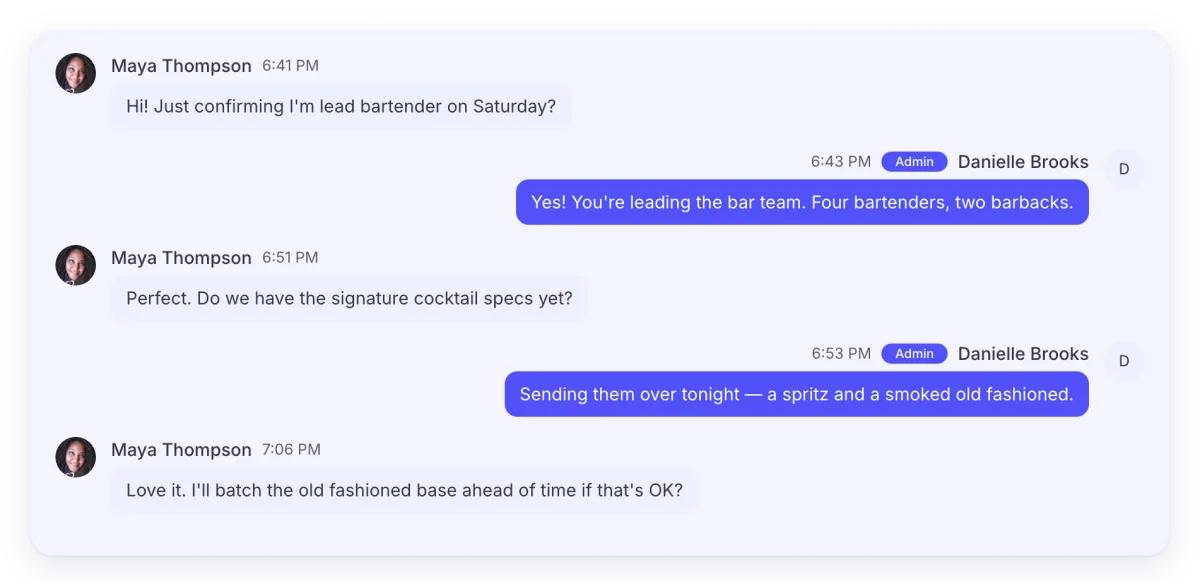
Messages per event
Keep the conversation about an event with that event, not scattered across personal chats.
-
Client history in staff ranking
Staff who have worked for a client before rank higher for that client, so the score reflects your regulars.
-
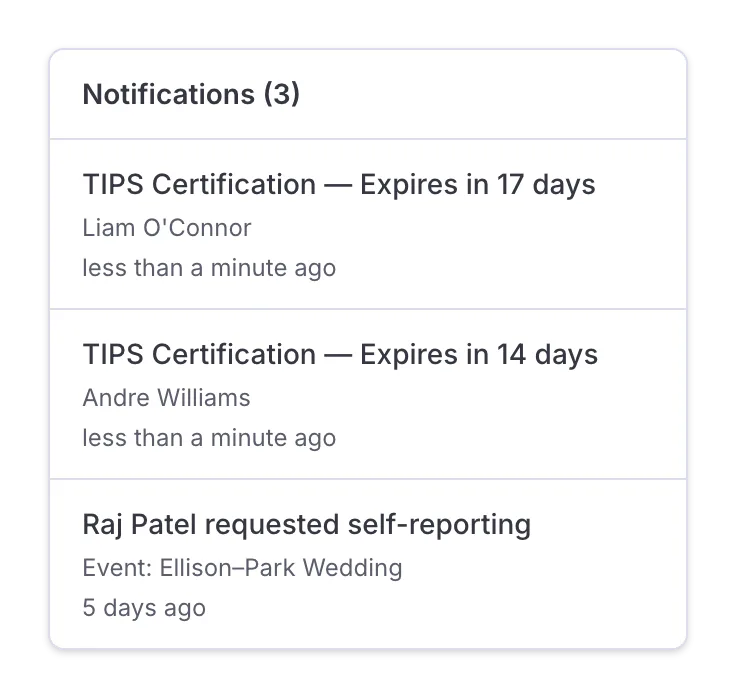
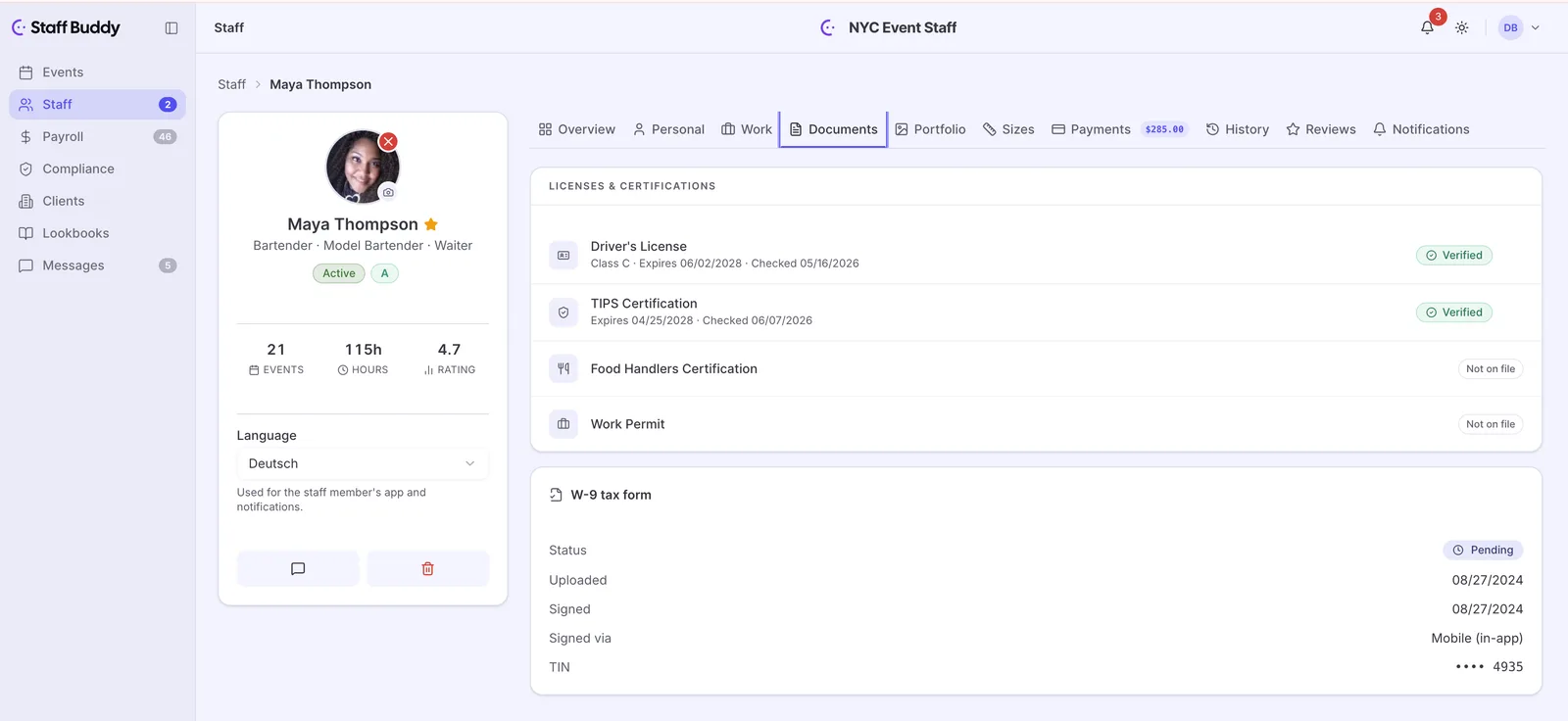
Document validity tracking
See the expiry date of a certification, driving licence or work permit before it lapses on the night.
-
Document storage
Keep staff paperwork in one place instead of scattered across inboxes and shared drives.
-
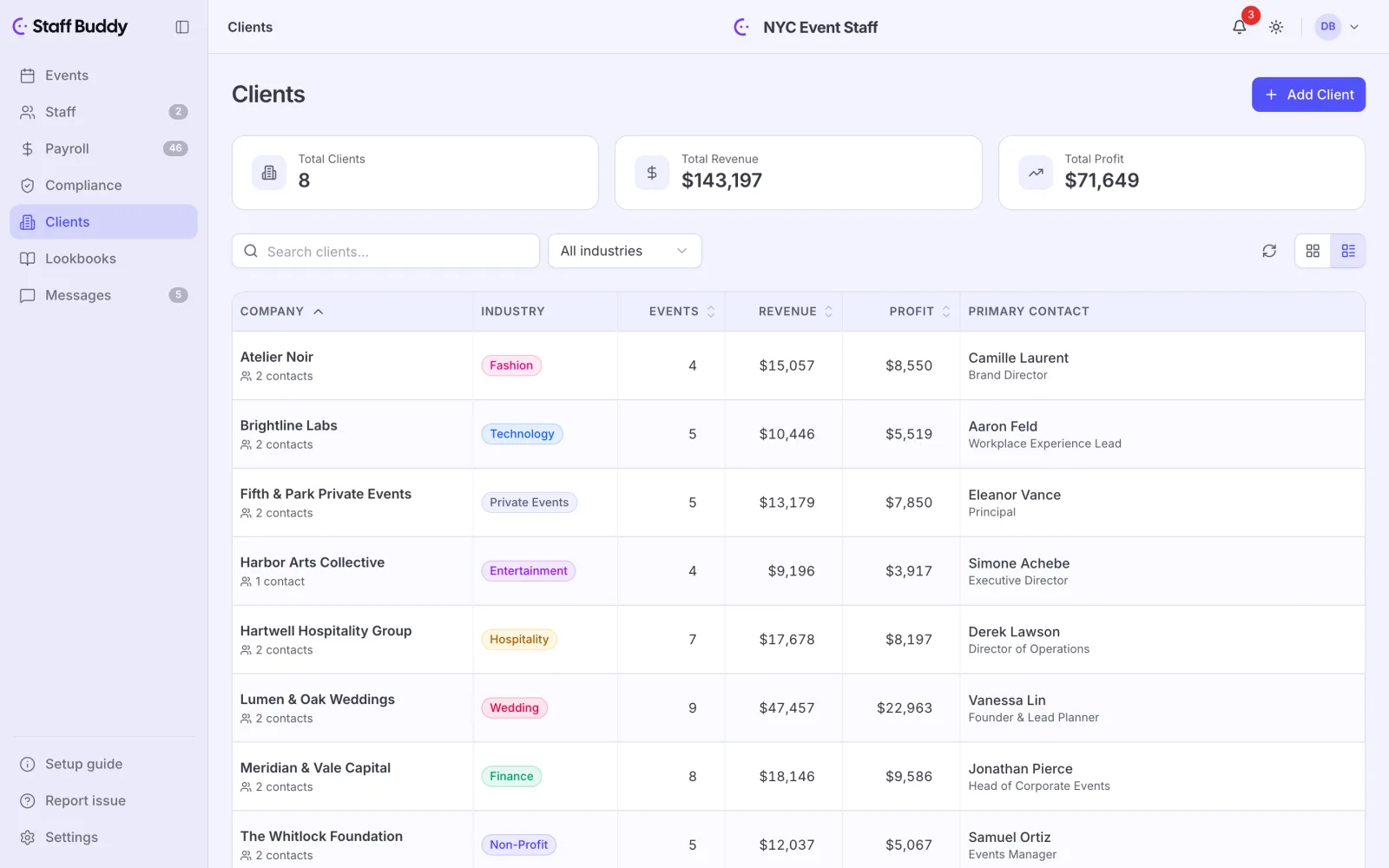
Clients directory
See every client with overview statistics next to the name, without building a report.
-
Lookbooks for clients
Show a client the people you plan to send instead of describing them in a long message.
-
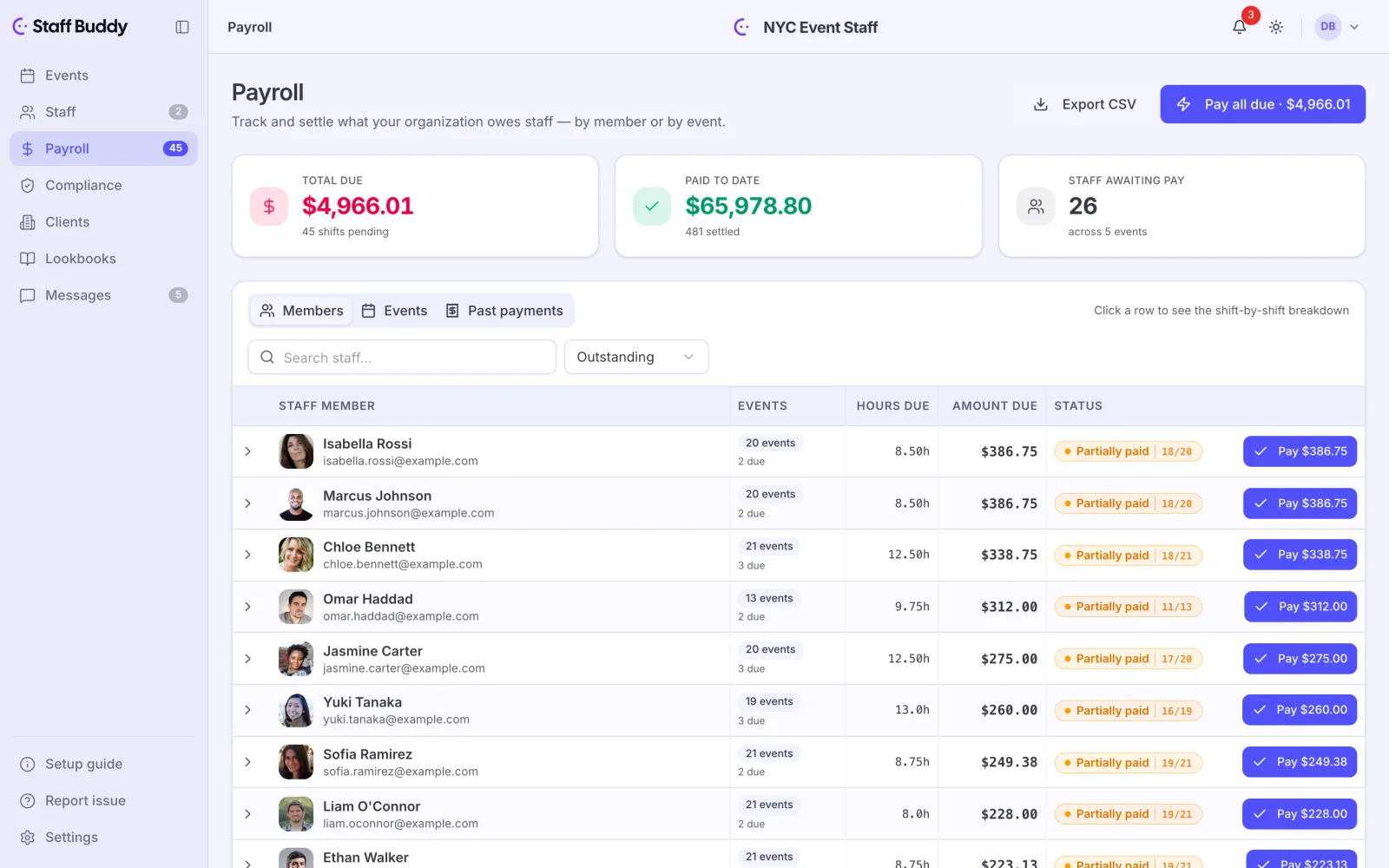
Payroll with export
Export the hours when the event is done instead of retyping them into another sheet.
-
AI assistant
Ask for a report, a query or a new event in plain words instead of building it by hand.
Staff app
The staff app in detail-
Availability controls
Staff set when they can work in the app, so you stop collecting it by text.
-
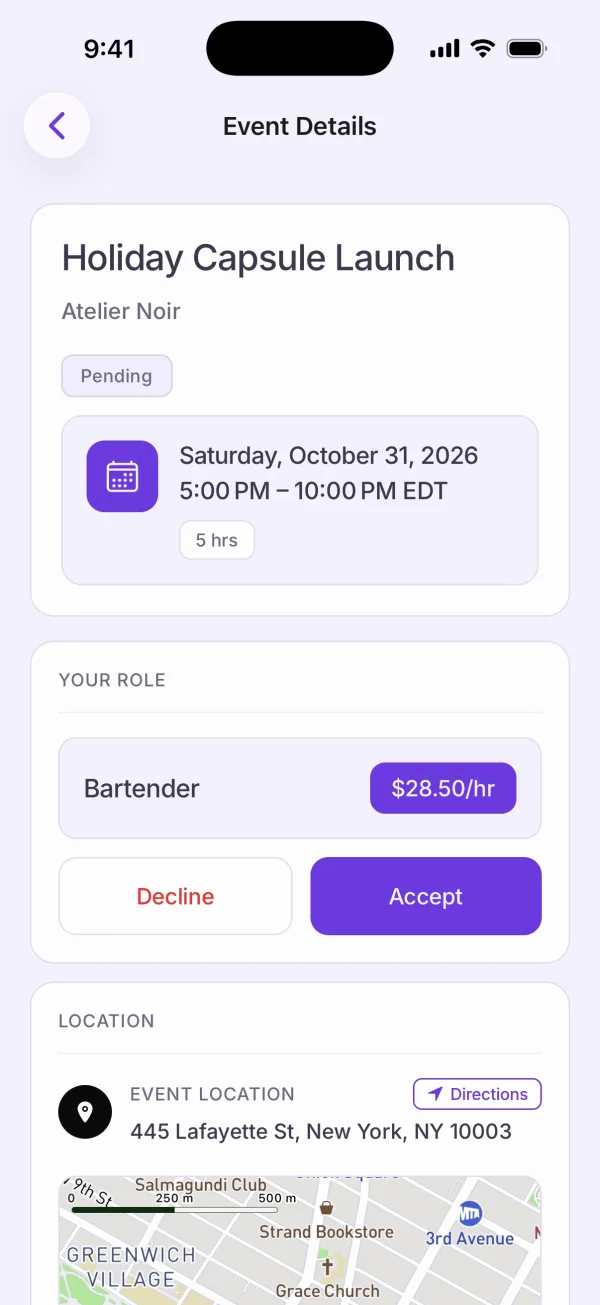
Event invitations
Staff accept or decline in the app, so you are not chasing replies in a chat.
-
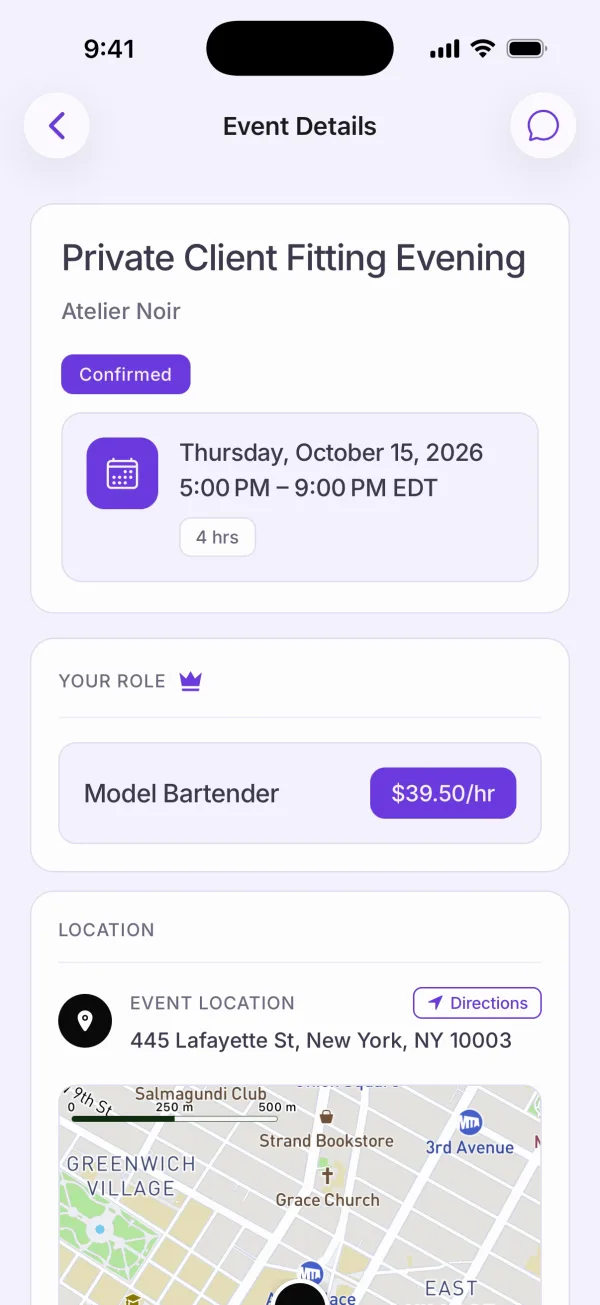
All event details in one place
Staff read everything about the event on one screen before they message the lead to ask.
-
Chats per event
Questions about a shift go into that shift’s chat, not to your personal phone.
-
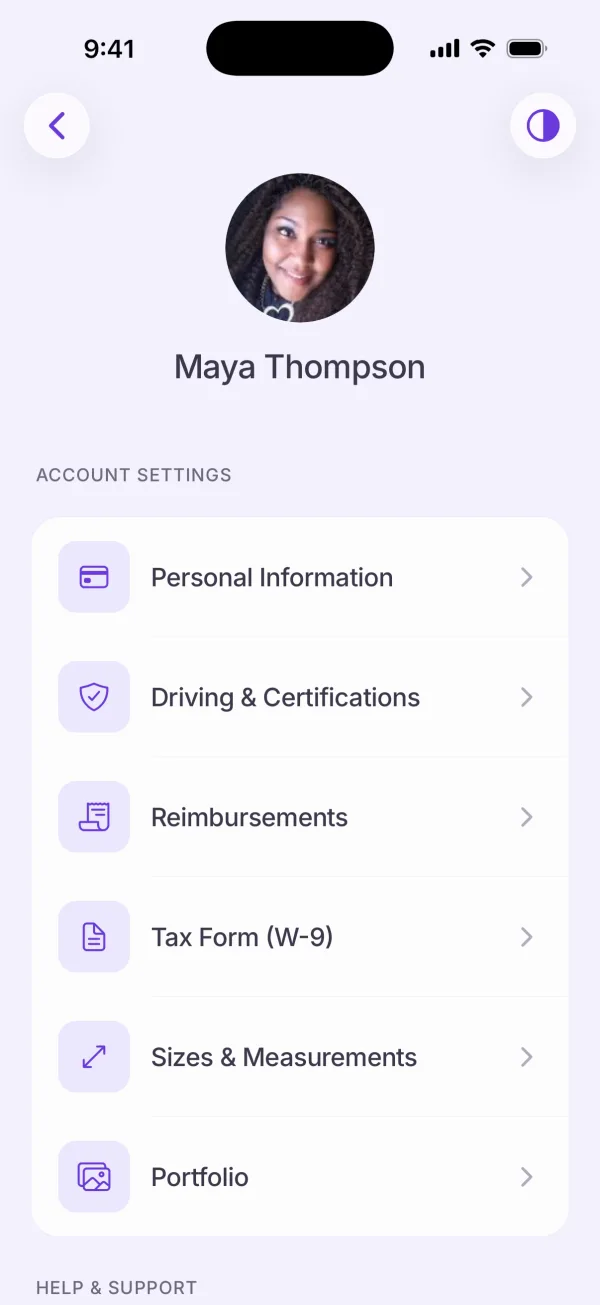
Document upload
Staff send a certificate from their phone instead of emailing a photo to the office.
-
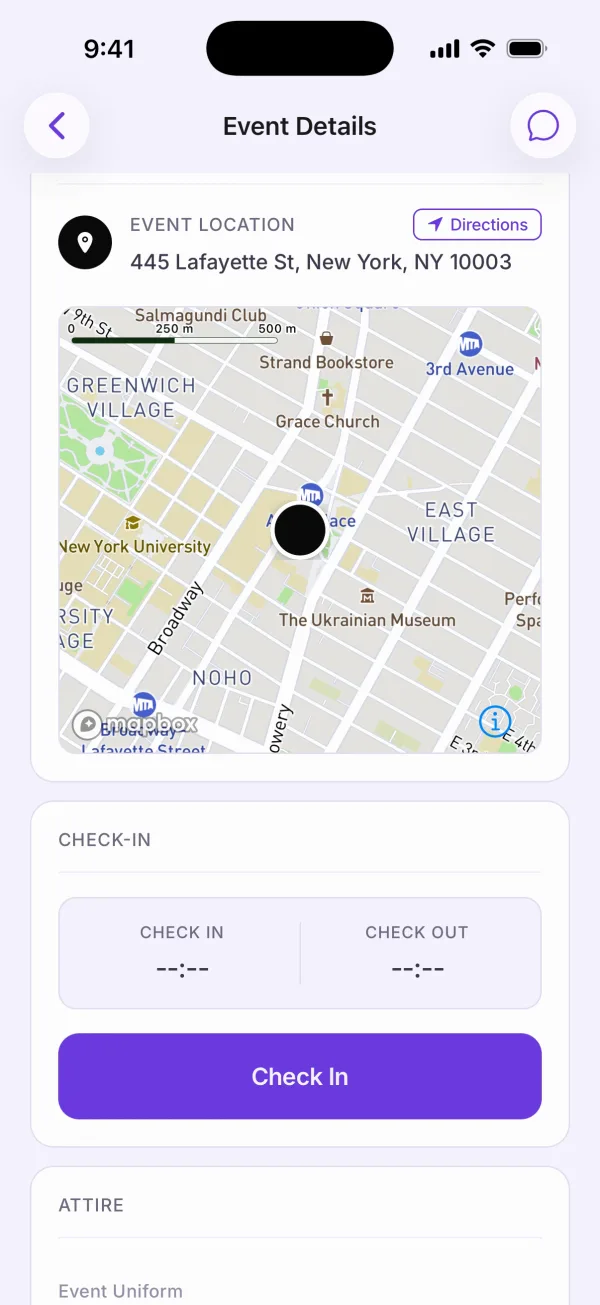
GPS check-in and check-out
Check-in and check-out inside the venue area show who actually arrived, without a phone call.
-
Offline check-in and check-out
Poor reception at a venue should not mean a missed check-in.
Client portal
The client portal in detail-
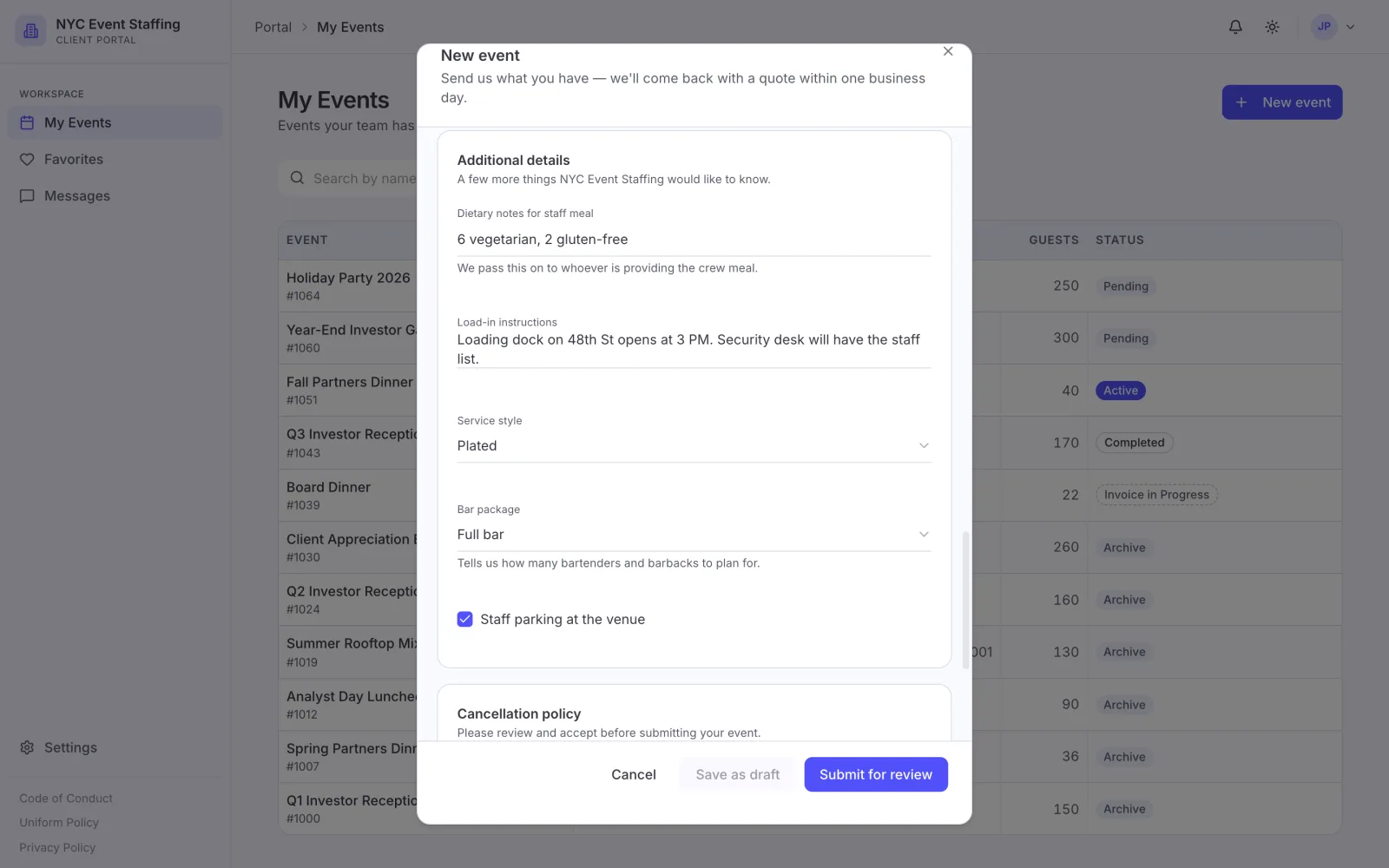
Clients create new events
Clients enter their own requests instead of phoning or writing them in.
-
Custom intake forms
Ask the questions you need up front, so requests arrive complete.
-
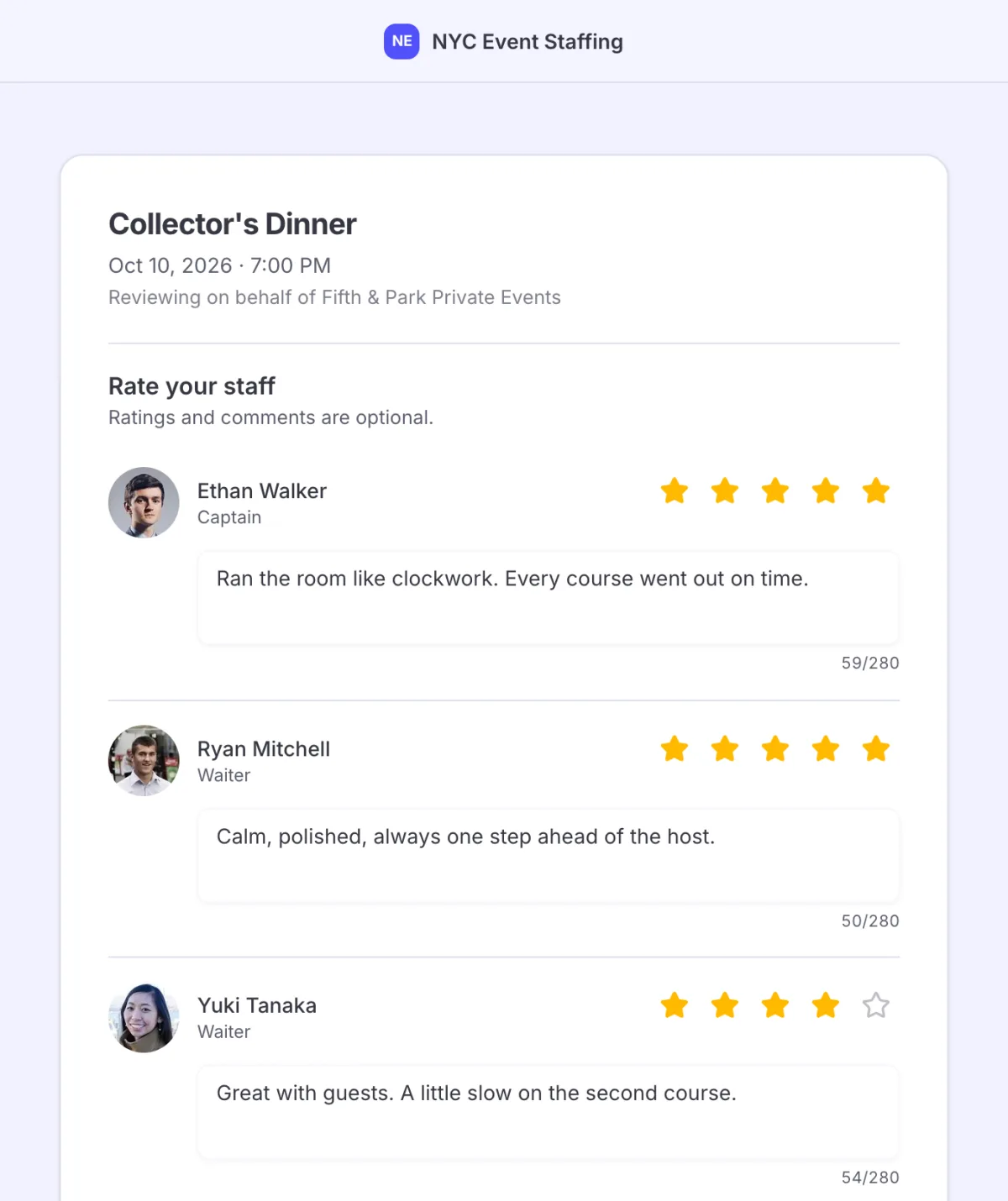
Clients rate staff
Feedback comes straight from the client after the event, not in a phone call weeks later.
-
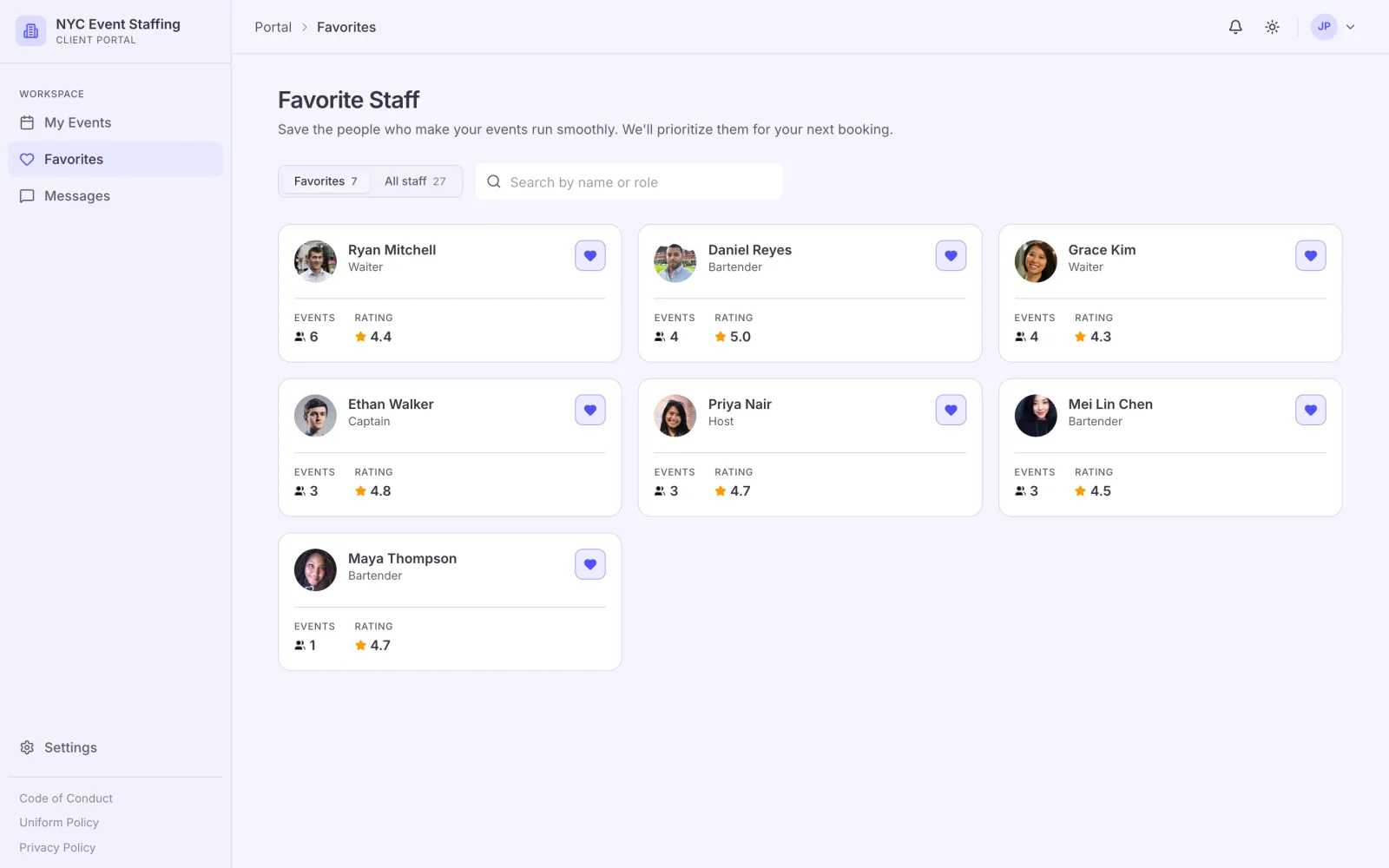
Client favourites list
Clients keep a list of the people they liked, so rebooking is a request and not an explanation.
Notifications and languages
Notifications and languages in detail-
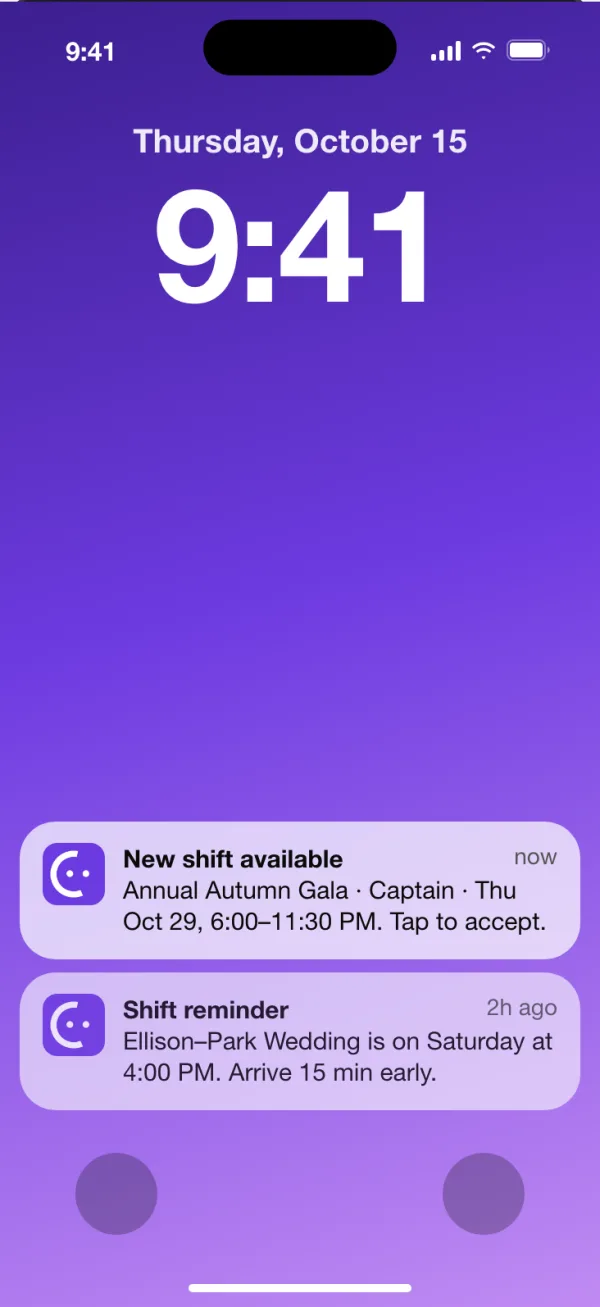
App push
Staff see a change on their phone instead of finding it buried in a chat.
-
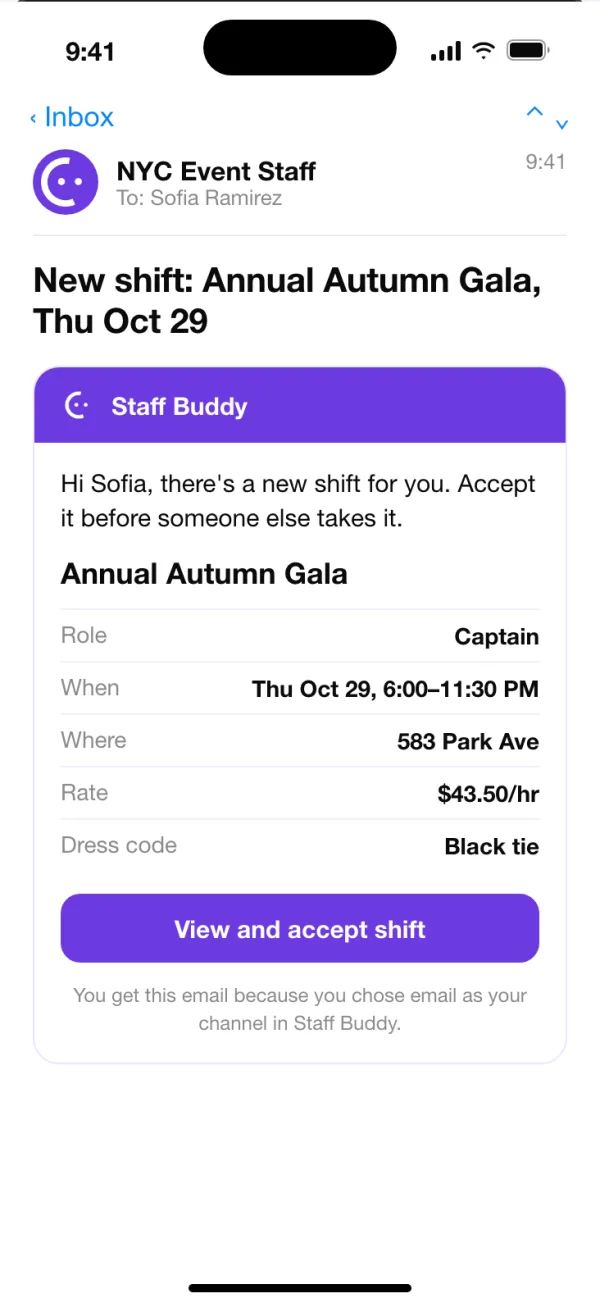
Email
Updates also reach the staff who check their inbox more than their apps.
-
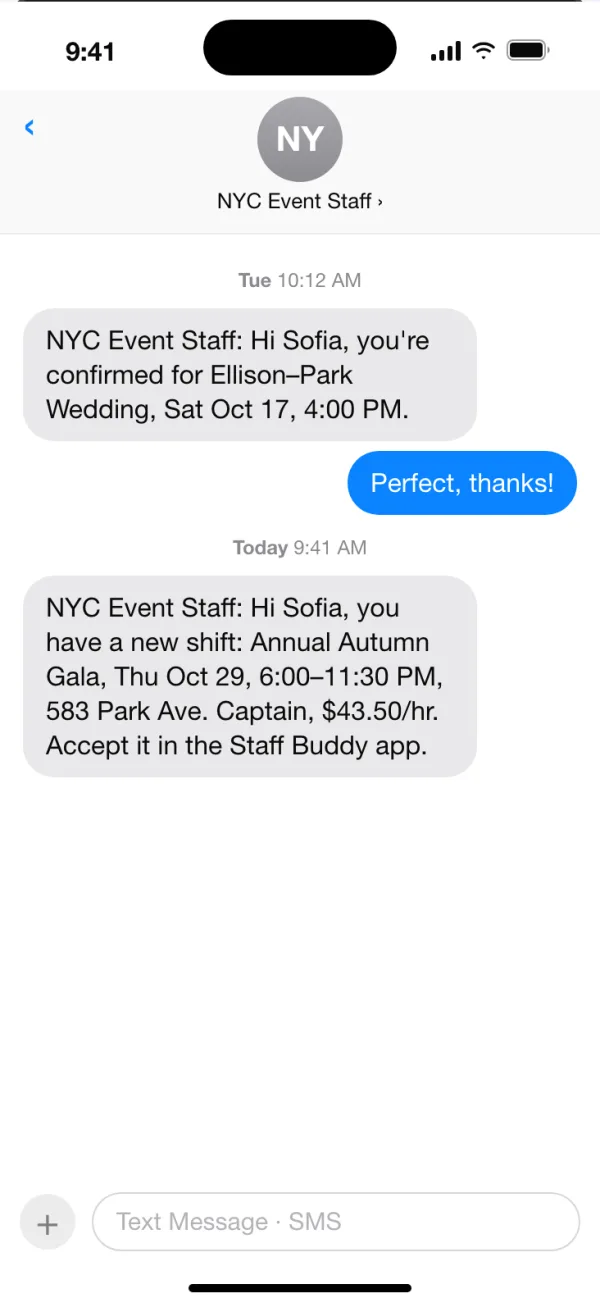
SMS
A text message reaches a worker who never opens the app.
-
WhatsAppComing soon
Updates for staff who live in a chat app, without a group you have to maintain.
-
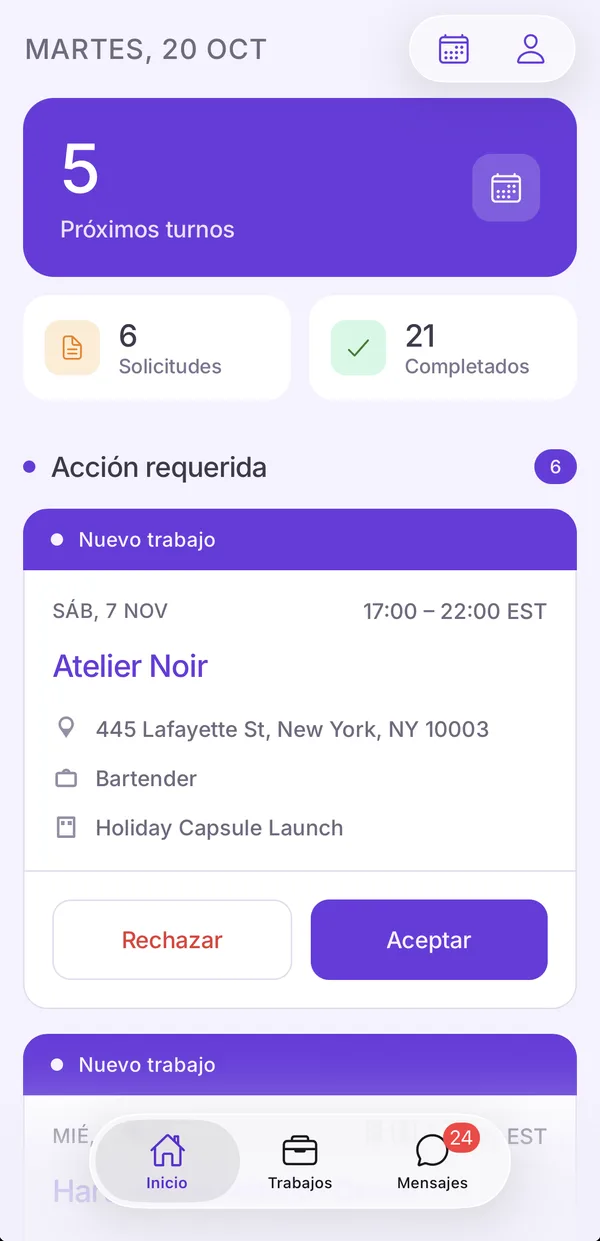
App languages
Staff use the app in their own language. English, Spanish, German, Portuguese and French are available.
-
Back office languages
Coordinators use the back office in their own language. English, Spanish, German, Portuguese and French are available.
See the whole product in 9 minutes.
If you’d rather talk it through, book a call with the founder and bring your own events.